Cart
Your cart is empty.
Click here to purchase!


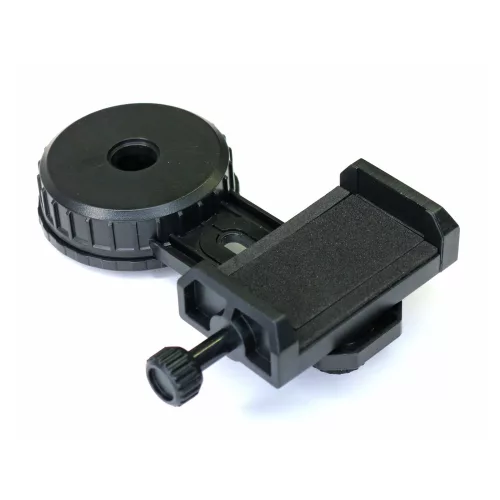
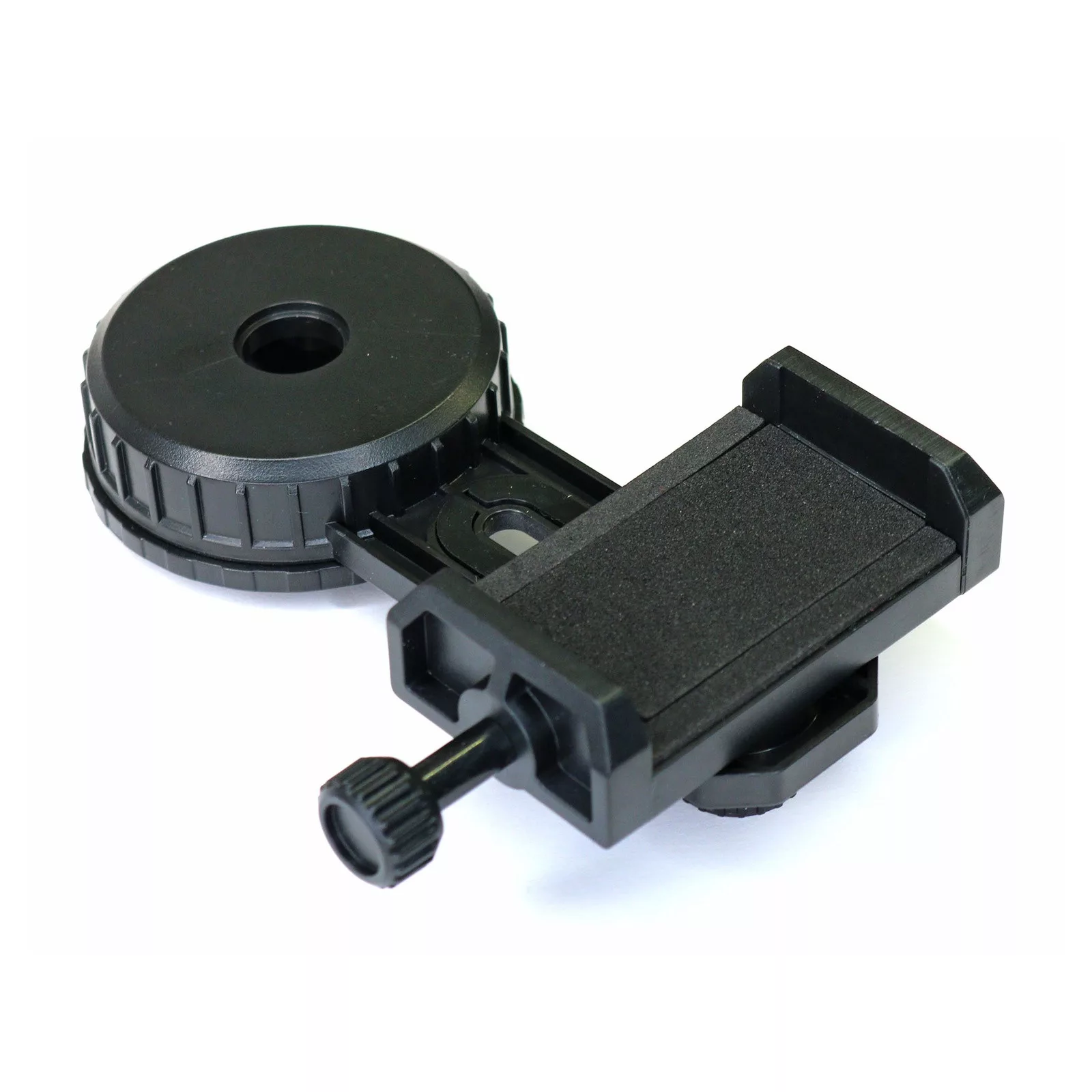
The HandyHaltPA is a cost-effective smartphone adapter offering excellent value for money. It supports all smartphones with a width between 57 and 100 mm (naturally, the phone should be removed from its case). After securing the smartphone in the holder, carefully align the phone camera lens by observing the position on the back of the device. Remove the eyepiece from the telescope focuser, attach the eyepiece to the other side of the adapter, then place the complete assembly back into the focuser. (The outer diameter of the eyepiece can be between 27 and 46 mm.) If the image shows vignetting (dark edges or cropped corners), simply zoom in on the live view using two fingers.
Tip: The sharpest image can be achieved by first focusing the telescope visually on a small point-like light source (such as a distant lamp or a star) before attaching the smartphone. If you wear glasses, focus while wearing them. Since tapping the screen to take a photo may introduce vibrations, it is recommended to use the 2–10 second self-timer function instead. By removing the rubber eyecup from the eyepiece, the smartphone can be positioned closer to the optics, allowing for a wider field of view.